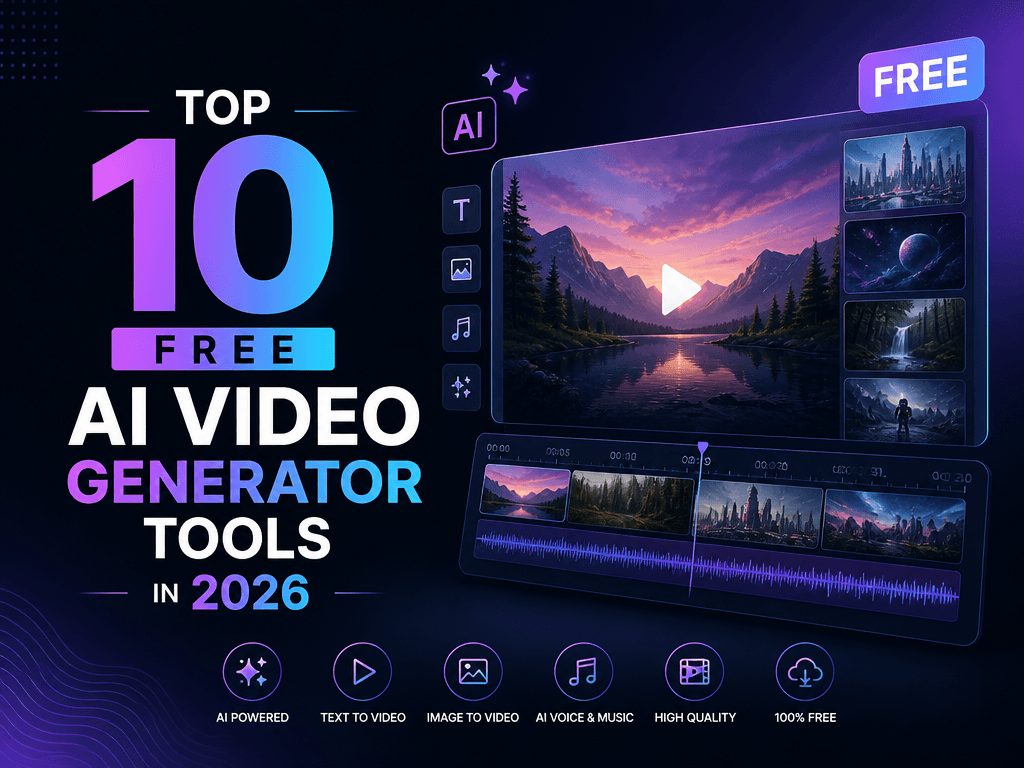
Top 10 Free AI Video Generator Tools in 2026
AI video creation has officially crossed the threshold from “cool experiment” to mainstream production powerhouse. In 2026, creators no longer need cameras, studios, or editing expertise. With today’s free AI video generators, anyone can turn text, images, or simple prompts into polished, professional videos in minutes. This guide breaks down the Top 10 Free AI Video Tools of 2026, complete with features, free‑plan limits, pricing, and best use cases — plus the #1 tool of the year.
Why AI Video Creation Is Transforming Content in 2026
Video used to demand:
- expensive equipment
- technical editing skills
- long production timelines
AI has eliminated all of that.
Today’s tools offer:
- human‑like avatars with emotional realism
- context‑aware editing
- automatic scriptwriting
- instant repurposing of long-form content
- multilingual output for global audiences
Whether you’re a marketer, educator, entrepreneur, or social creator, AI video tools now deliver studio‑grade results with zero learning curve.
Top 10 Free AI Video Generator Tools in 2026
Below is the definitive comparison — optimized for clarity, searchability, and decision-making.
1. Pictory
What it is: AI that converts scripts or long videos into short, social-ready clips. Free plan: 3 videos/month (10 min each), auto captions, 10K+ music tracks. Pricing: $19/month (Standard). Best for: Repurposing webinars, podcasts, and long-form content.
2. Synthesia
What it is: Industry-leading AI avatar generator with 140+ realistic presenters. Free plan: 1 video/month (10 min), 6 avatars, 120+ languages. Pricing: $30/month (Starter). Best for: Corporate training, e-learning, multilingual explainers.
3. Lumen5
What it is: NLP-powered tool that turns blog posts into videos. Free plan: 5 videos/month (480p), basic templates, watermark. Pricing: $29/month (Basic). Best for: Bloggers, social media managers, content marketers.
4. InVideo
What it is: Template-driven editor with AI script generation. Free plan: Unlimited 720p videos, iStock (watermarked), 40+ transitions. Pricing: $15/month (Business). Best for: Fast ads, reels, and Instagram stories.
5. DeepBrain AI
What it is: Hyper-realistic AI avatars with emotional expression modeling. Free plan: 10 minutes/month, 50+ avatars, PPT-to-video. Pricing: $30/month (Pro). Best for: Personalized sales videos, educational content.
6. Designs.ai
What it is: All-in-one AI suite (video, logo, design, voiceover). Free plan: 1-minute videos, 10 templates, limited exports. Pricing: $29/month (Basic). Best for: Small businesses and branding projects.
7. RawShorts
What it is: Animated explainer and whiteboard video builder. Free plan: 5 exports/month, 720p, basic assets. Pricing: $20/month (Essential). Best for: Explainers, product demos, whiteboard animations.
8. FlexClip
What it is: Simple editor with AI voiceovers and screen recording. Free plan: Unlimited 480p videos, 12 stock assets/month. Pricing: $9.99/month (Plus). Best for: Tutorials, slideshows, quick presentations.
9. Kapwing
What it is: Collaborative cloud editor with viral/meme templates. Free plan: 3 projects, 250MB storage, watermark. Pricing: $16/month (Pro). Best for: Teams, meme creators, social content studios.
10. Animoto
What it is: Drag-and-drop video maker with brand kit support. Free plan: Unlimited 30-second videos, 50+ music tracks. Pricing: $15/month (Professional). Best for: Small brands, event recaps, simple promos.
Best Overall Free AI Video Generator of 2026: Synthesia
Winner: Synthesia
Why Synthesia dominates 2026
- Most realistic avatars with emotion-synced expressions
- 120+ languages for global scalability
- No camera, mic, or actors needed
- Enterprise-grade quality even on the free plan
Pro tip: Use your 10 free minutes to create multiple micro‑videos instead of one long clip.
How to Choose the Right AI Video Tool
Before committing, evaluate these four factors:
1. Output Quality
Do you need 4K, or is 720p enough for social platforms?
2. AI Strengths
- Avatars → Synthesia, DeepBrain AI
- Text-to-video → Pictory, Lumen5
- Templates → InVideo, FlexClip
3. Workflow Frequency
- Daily editing → Kapwing
- Occasional projects → Animoto
4. Upgrade Path
Check for:
- watermark removal
- HD/4K export
- commercial usage rights
Start Creating Today
AI video tools now put Hollywood-level production in your hands — for free. Test 2–3 platforms from this list, explore their free tiers, and watch your content performance skyrocket.
If you want the most realistic, scalable, and beginner-friendly option, start with Synthesia’s free plan.
Click Here to Know about How to Create Ai Agents Using Free Tools?